In beta
Edit your Next.js site visually. Ship it as a pull request.
Frontage opens the site you already have in a visual editor and sends your developers the change as a pull request. Starting fresh? Pick a template or describe your business, and go live in minutes.
How it works
Three steps from your email address to a site on the web, all in the browser.
- 1
Sign up and pick how to start
Enter your email and click the link we send. Then choose: a Next.js repository you already have, one of fifteen templates, or a few sentences about your business.
- 2
Edit in the browser
Once it is made, your site opens in the editor. Change the words, pick colours and fonts, and add sections, with a short checklist to guide you.
- 3
Share a preview, then go live
Share a preview address with anyone. When it is ready, go live on its public address, and add your own domain whenever you like.
Have a Next.js site?
Import it
Connect GitHub and pick the repository. Before anything changes, Frontage shows which pages and components you can edit and why. Your edits go to a frontage/draft branch, and publishing opens a pull request for your developers to review. Frontage never pushes to your main branch.
How importing works →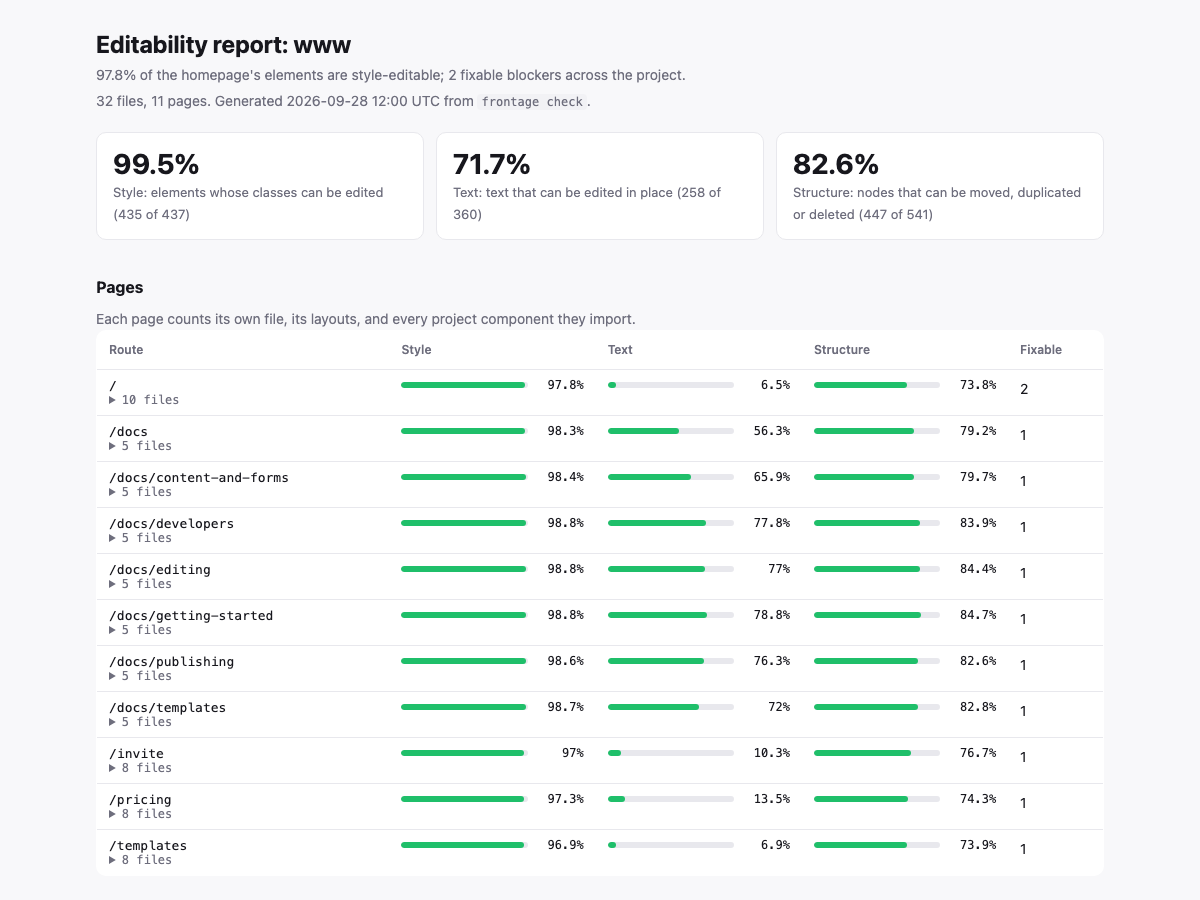
Starting fresh?
Pick a template or describe it
Start from one of fifteen templates for common kinds of business, or describe yours in a few sentences and AI writes the first draft. You check the name, tagline, colours and fonts before the site is built.
See the templates →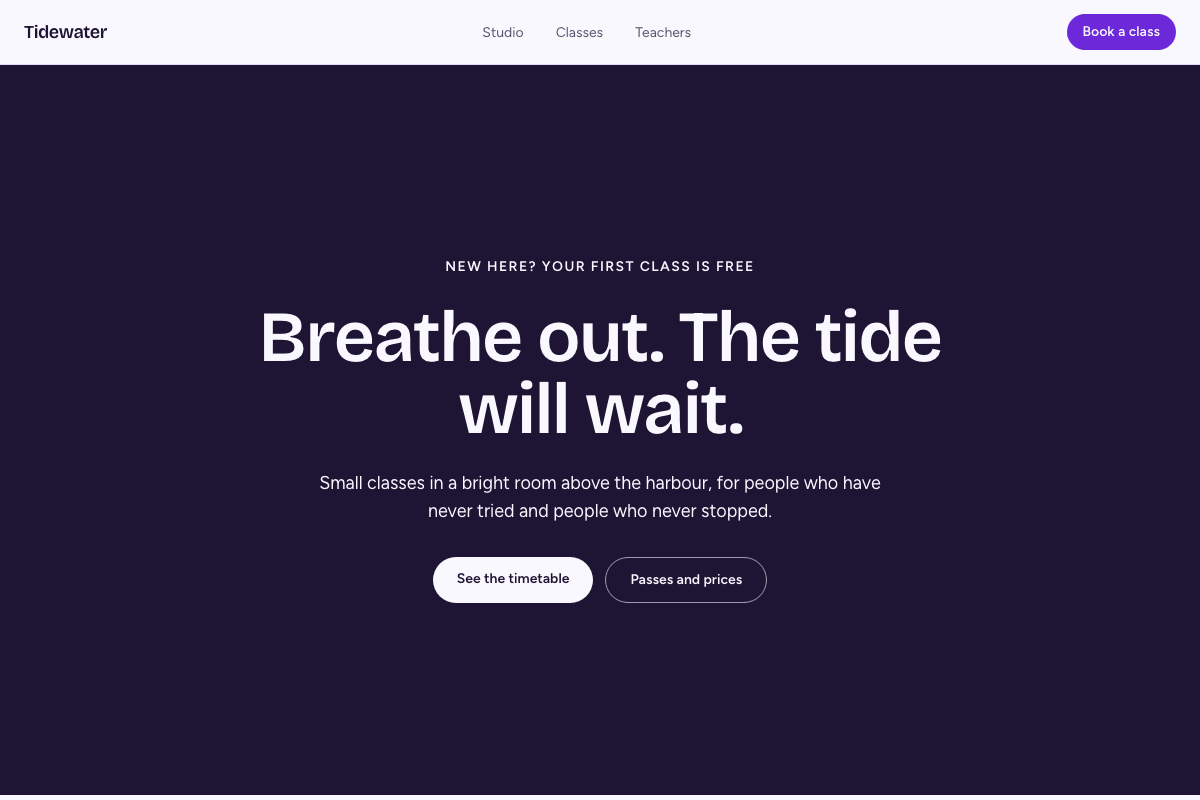
What you can change
The editor changes the site's own code, so what you see is what your developers get.
Words and pictures
Click any text on the page and change it. Lists such as team members or prices can live in hosted content that editors change without touching the design.
Colours and fonts
Eight colour presets and six font pairings, applied across the whole site at once from the Tokens tab.
Sections
Thirty-one ready-made sections, from heroes and pricing tables to timetables and contact forms, inserted where you want them.
Real code, always
Every change is a change to the site's Next.js source, saved in a Git repository. Nothing is locked inside Frontage.
Start free
The Free plan has one site and two seats. No card, and no payment during the beta.